[Redis] Local Redis 설치(mac)

Redis 설치하기
HomeBrew 설치(패키지 관리 시스템인 homeBrew를 먼저 설치해줍니다.
1
 /bin/bash -c "$(curl -fsSL https://raw.githubusercontent.com/Homebrew/install/HEAD/install.sh)"
Brew 설치 여부 확인
1
 brew --version
Redis 설치
1
 brew install redis
Redis 실행
1
 brew services start redis
Redis 실행 여부 확인
1
 brew services info redis
Redis 중지
1
 brew services stop redis
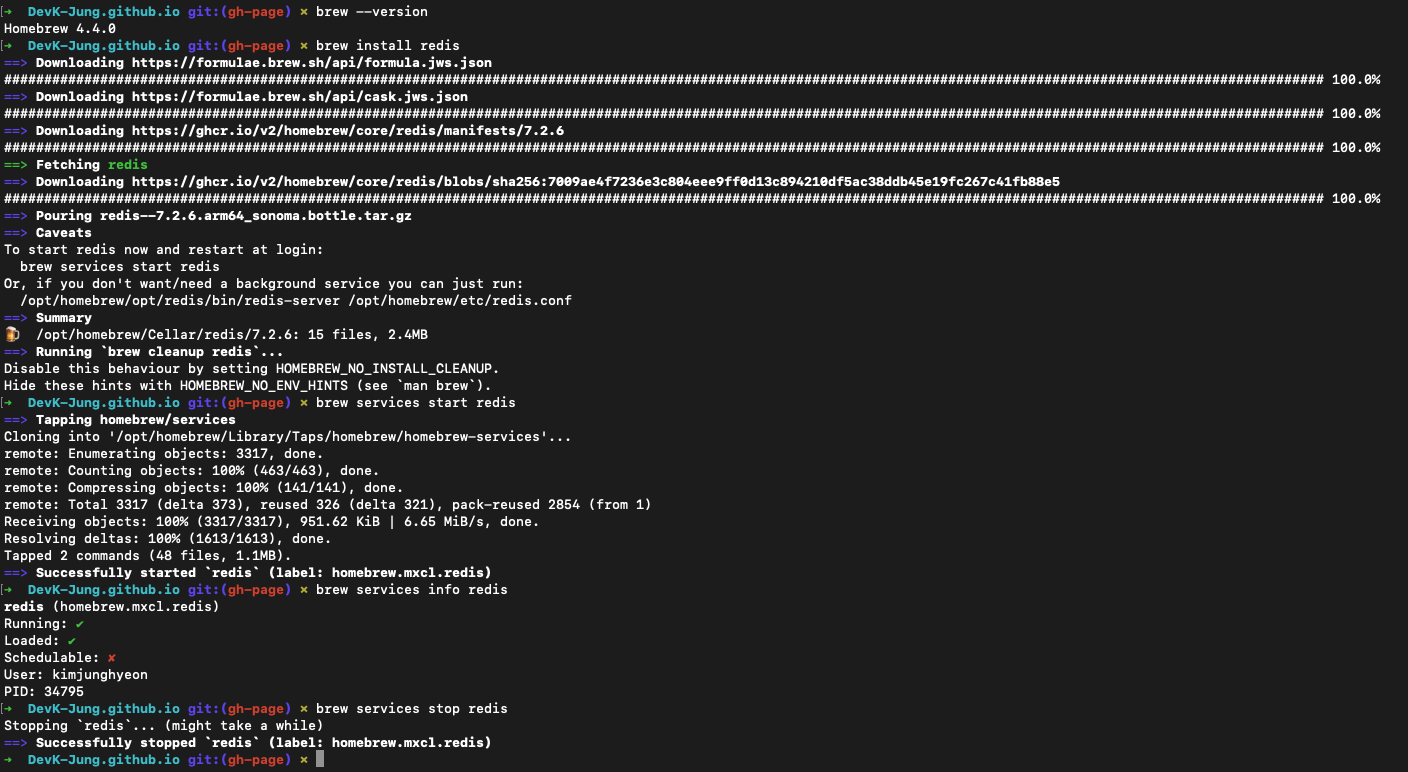
결과
Redis 접속하기
- Redis 접속 명령어
redis-cli를 입력 후 정상 접속됐는지 확인을 위해ping을 입력하면PONG을 응답해준다.
1
2
3
➜  DevK-Jung.github.io git:(gh-page) ✗ redis-cli
127.0.0.1:6379> ping
PONG
This post is licensed under CC BY 4.0 by the author.